v0.3.1New cursors, backgrounds and blur
Beautiful screen recordings, by you or your AI.
Record your screen yourself, or ask an AI agent to film the demo for you. Either way, Shotmaxxing adds the zooms, smooths the cursor and frames it on a beautiful background. Free and open source.
What it does
Record it once. It comes out edited.
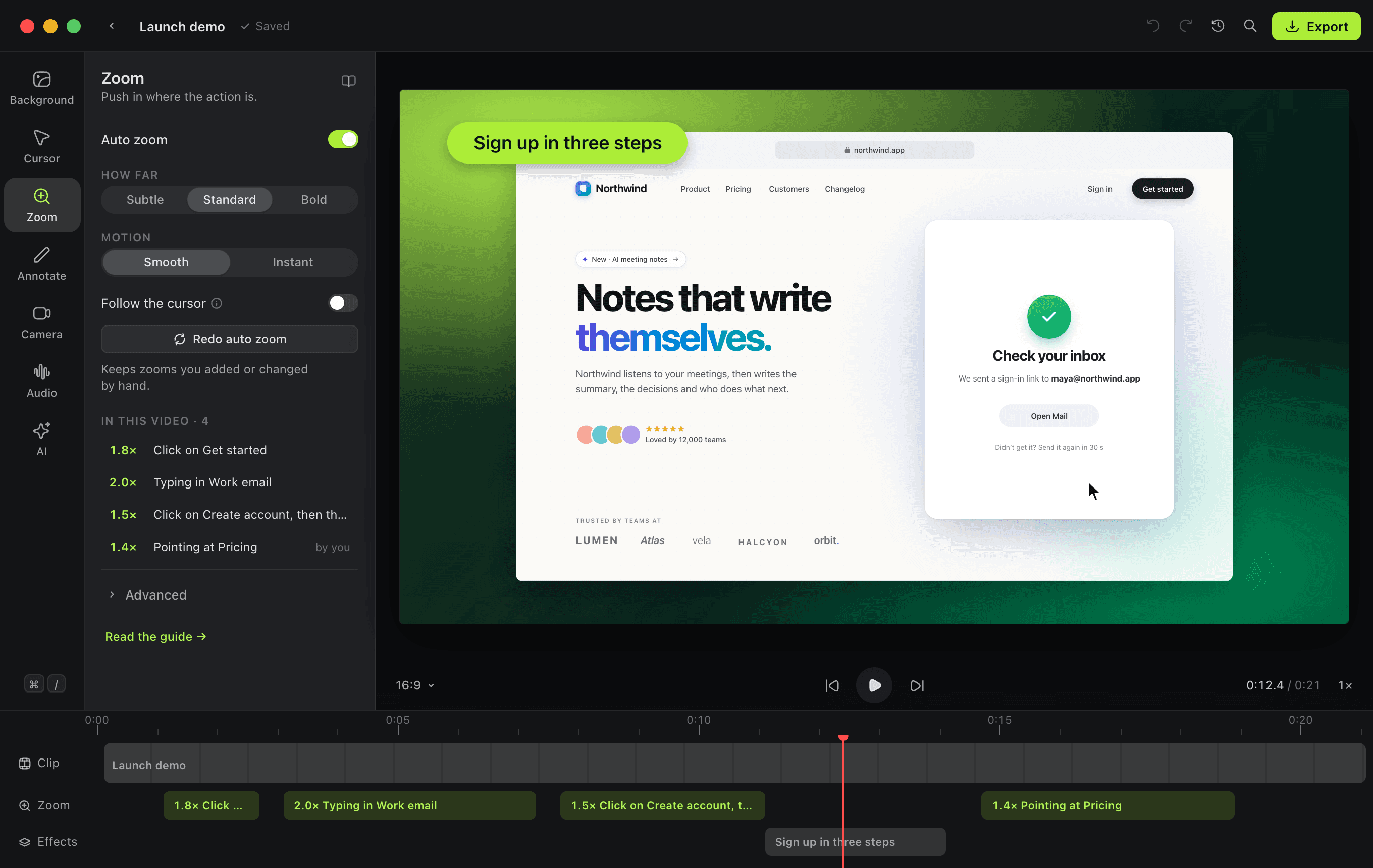
Zooms that know why they’re there.
- Reads your clicks, your typing, the control you used and what changed on screen.
- Pushes in just before each moment and holds still through it.
- Each zoom says why it’s there. Drag its edges, add one with Z, or delete it.
Agents
Or ask an agent to film it.
Connect Claude Code, Codex, Cursor or another agent in one click, then ask for a demo. It plans the steps, checks them against the screen, and films one smooth take that opens in the editor with its zooms added.
›
● Reading the sign-up flow in the code…
● Plan ready. Asking Shotmaxxing to film it.
✓ Done: Halo sign-up.smx is open in the editor, with 3 zooms. Exported halo-signup.mp4 (1:1, 1080p).
Claude Code wants to film a take
RECHalo · the sign-up flow
- 1Open Halo at the sign-up page
- 2Type a sample email
- 3Click Sign up
- 4Show the welcome screen
Nothing until you allow it
The take card asks before an agent sees or records your screen, and before every take, showing its plan.
Stop it any time
A thin red edge goes round the screen while the agent drives. Press Esc three times or move the mouse, and the take stops.
Passwords stay yours
Agents never type into password fields. Sign-ins come to you, and the agent waits until you hand back.
Install
One line, and it opens on the first click.
Each line downloads version 0.3.1 from GitHub, checks it against its SHA-256, installs it and opens it, with no “Not Opened” dialog on the Mac and no SmartScreen warning on Windows. Run it again to update.
Questions
Good to know.
Free and open source · v0.3.1
Film your next demo.
curl -fsSL https://shotmaxxing.app/install | bashPaste it into Terminal.